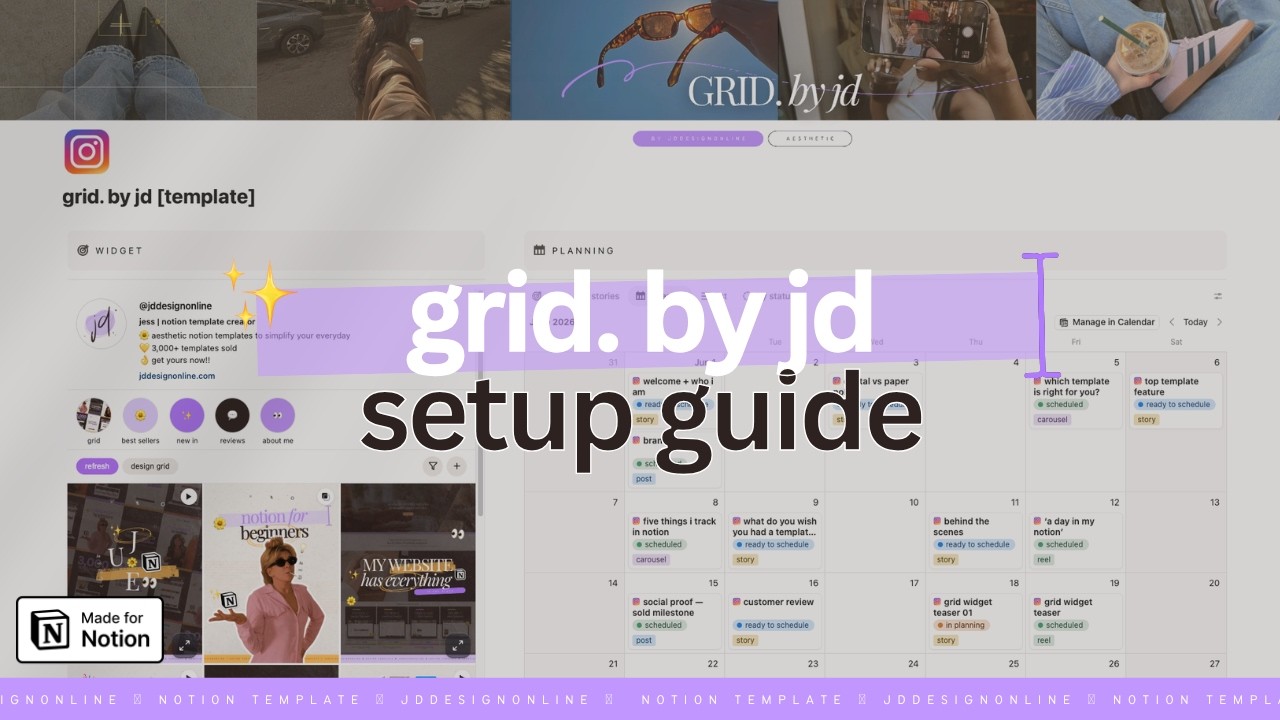
grid. by jd
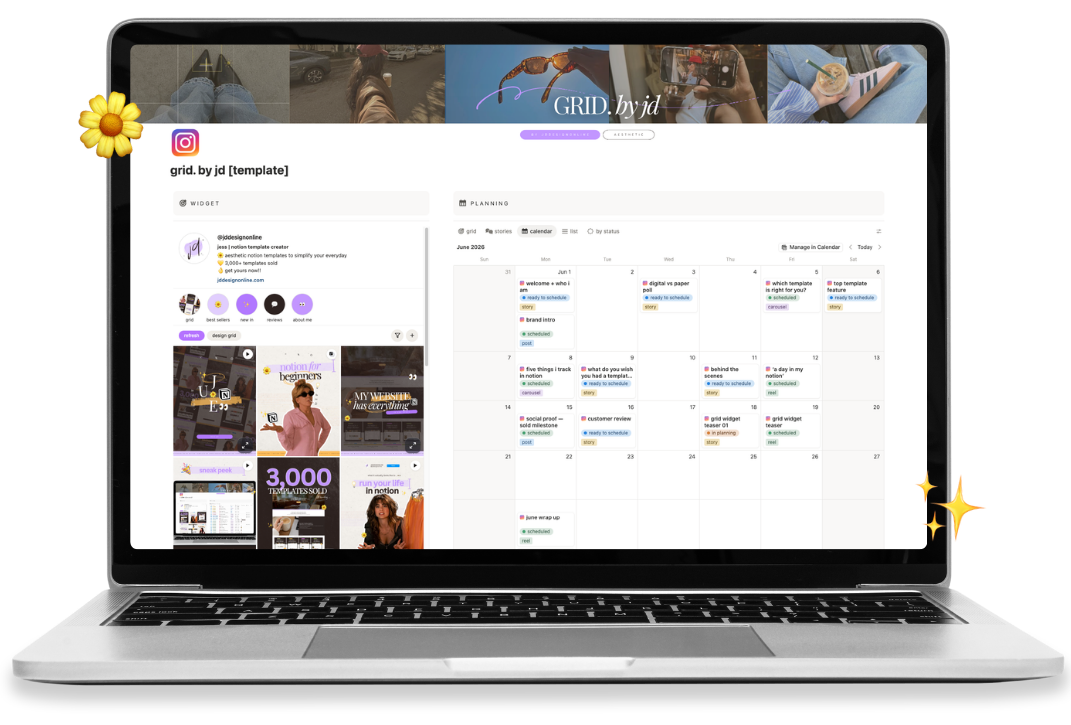
new here? follow the steps to get your grid connected to notion.
get started >view and manage your existing grid widgets.
open widgets >tips, troubleshooting, and answers to common questions.
get help >explore more notion templates from jd design online.
visit shop >everything you need to get set up and make the most of your grid.
follow the steps below and you'll have a beautiful instagram-style feed inside notion in just a few minutes.
the grid pulls your content from a notion database. you can use the template that came with your purchase, or attach it to a database you already have.
your purchase includes a notion database with all the right properties already set up for you — just duplicate the template from the link below to your notion workspace and you're good to go!
already have a content planner in notion? no worries — as long as it has these properties, the grid will work perfectly.
| property name | type | what it does |
|---|---|---|
| pinned | checkbox | pin a post to always appear at the top |
| widget | checkbox | only posts with this checked will show in the grid |
| name | title | your content name — shows on hover |
| status | status | track your content stage — powers the filter button in your grid |
| publish date | date | posts are sorted newest first by this date |
| format | select | select reel for video posts or carousel for multi-image posts |
| attachment | files & media | upload the images you want to display in your grid |
| canva | URL | paste a canva share link to display a live design preview in your grid |
| link | URL | paste an image url to display instead of an attachment |
click the button below to authorise grid. by jd to read your notion database. you'll be asked to select which pages to share — make sure you select the correct notion database that will be linked to the grid.
if the connect button doesn't work, you can enter your notion integration token manually. you'll need to create an internal integration at notion.so/profile/integrations and connect it to your database.
••• menu top-right, choose connections, then search for and add your integration by name. without this step you'll see a "could not find database" error even with the correct token and database id.
paste the url of your notion database below and we'll pull your database id automatically.
browser: open your database in full page view and copy the url from your address bar
desktop app: open your database in full page view, click ••• then copy link
click copy url and add your grid to notion or click settings to personalise your profile and highlights.
paste your notion database url below and we'll rebuild your embed url instantly — no reconnecting needed.
browser: open your database in full page view and copy the url from your address bar
desktop app: open your database in full page view, click ••• then copy link
your embed url
format property and select reel, then attach your video to the attachment propertywidget checkbox ticked appear in your grid — keep drafts hidden until you're readydesign grid inside the widget, drag posts into any order, then hit save changes — hit cancel to exit without savingrefresh inside the widget to see your latest content.pinned checkbox to keep a post at the top regardless of dateformat property and select reel — your video will play on hover in the grid or when opened. videos can be attached to the attachment property.canva property and paste a canva smart embed link — your design previews live in the grid.if you're having trouble getting images to display, i'd really recommend testing the widget with the premade template first — it takes out all the guesswork and makes it much easier to spot where something might be going wrong.
a few things to double-check:
✦ have you entered the correct database url?
✦ is the url from the source database itself, not a page url?
✦ have you connected your integration to the database? (open the database as a full page → ••• menu → connections → add your integration by name — creating the integration alone isn't enough)
✦ are the property names spelled correctly?
✦ have you uploaded images to the attachment field?
if you're still stuck, send me a screenshot and/or recording of your setup and i'll take a look x
••• menu top-right, choose connections, and search for and add your integration by name. this step is easy to miss and is the most common reason for a "could not find database" error. once that's done, paste the token and your database url into the manual form.canva property in your notion database.refresh inside the widget to pull through your latest content.https:// and the ?db= part. if notion shows a "can't embed" error, try creating a new embed block by typing /embed rather than editing an existing one.i've got you — if you're stuck please reach out & i'll do my best to help x
get in touch >copy this url and paste it into a notion /embed block, then resize to fill your page.
your embed url
make your grid look exactly like instagram. save here and hit refresh in your grid to see changes.
add up to 10 highlights that will appear below your bio. keep titles short and descriptive.